
Scaling Food Operations with SAP Business One

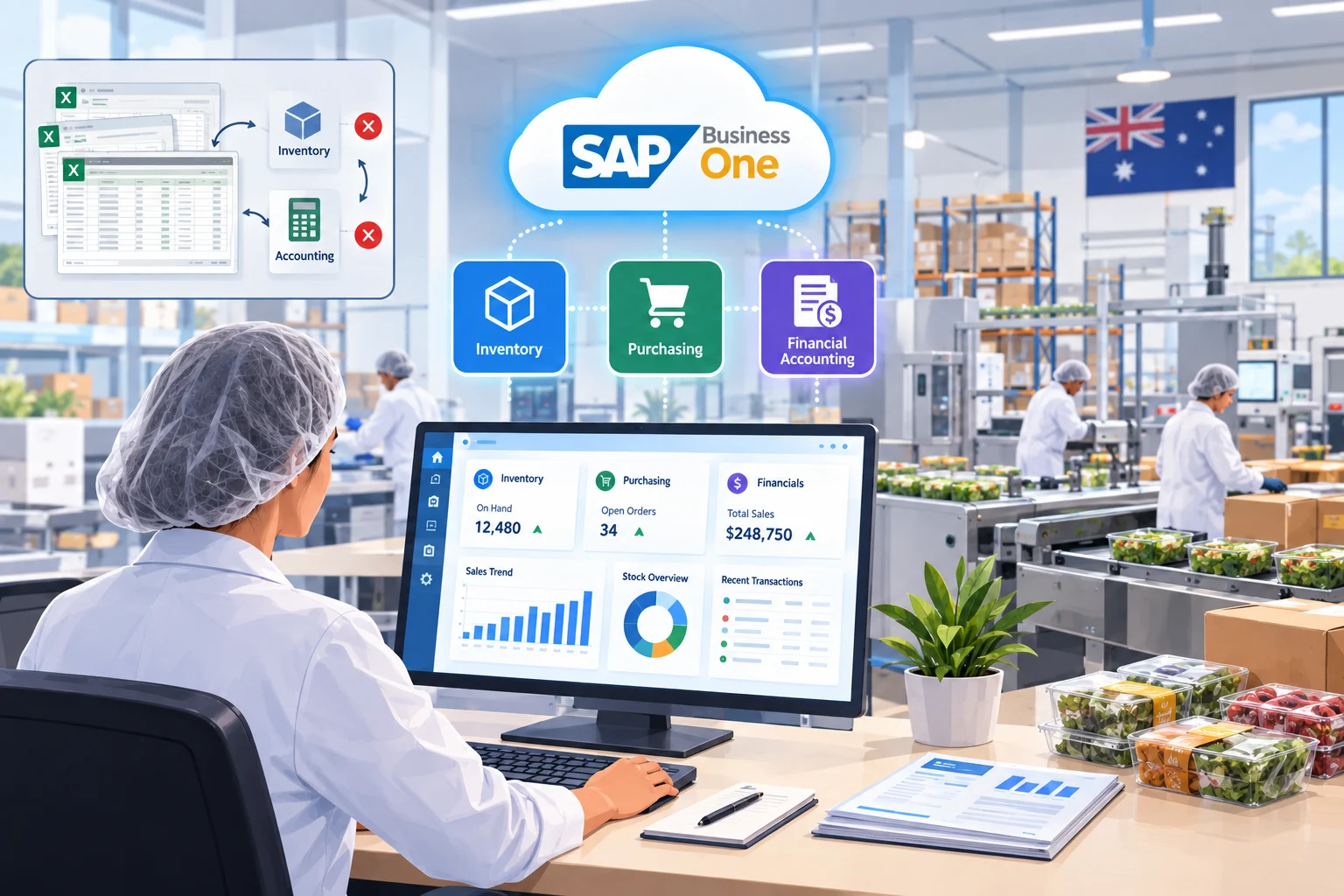
An Australia-based food processing company was running their entire operation on spreadsheets and a couple of disconnected tools, one for inventory, another for basic accounting, with a lot of manual cross-checking holding it all together. It worked fine when the business was smaller, but as orders picked up, mistakes started creeping in. We implemented SAP Business One to bring inventory, purchasing, and financial accounting into one system, so the team could finally see what was actually happening across the business instead of juggling three different files.

The Challenge

The business had grown steadily, but their systems hadn’t kept pace with it:

  • Inventory was tracked in Excel, updated manually after every purchase or dispatch, so stock counts were often a day or two out of date by the time anyone actually looked at them
  • Purchase orders were raised separately from the accounting system, with no easy way to match what had been ordered against what was actually paid for
  • Finance manually reconciled data from multiple spreadsheets every month just to put together a basic picture of profitability
  • As order volumes grew, the gaps between systems started causing real problems, stock got oversold twice in one quarter because two people were working off outdated numbers, and a few supplier payments went out late simply because nobody had clear visibility into what was actually due

They weren’t after a massive enterprise system, as a mid-sized operation, they needed something that matched their scale without the overhead of a full-blown corporate ERP rollout, which is part of why SAP Business One made sense for them from the start.

Our Solution

We spent the first couple of weeks just mapping out how things actually worked day to day, how inventory moved, how purchase orders got approved, how finance closed the books each month, so the system would fit around their process instead of forcing them into a rigid template.

From there, we set up:

  • Inventory management built around their actual warehouse layout and stock categories, replacing the Excel tracking entirely
  • A connected purchase order workflow, so orders raised against suppliers link automatically to accounting entries once goods are received
  • Financial accounting pulling directly from inventory and sales data, cutting out most of the manual reconciliation that used to eat up several days every month
  • Hands-on training for the finance and warehouse teams, since most of them had never worked inside a proper ERP before and were understandably a bit nervous about the switch

The part that took longer than we’d planned for was cleaning up their historical inventory data. Years of manual tracking meant there were real discrepancies between what the spreadsheets said and what was actually sitting in the warehouse. We ended up running a full physical stock count alongside the data migration, just to make sure the new system started with accurate numbers instead of carrying old errors forward.

Results

Inventory counts are now accurate in real time, and the oversold-stock issue hasn’t come up again since go-live. Month-end reconciliation, which used to take finance close to four days, now takes about half a day since the data flows automatically between inventory, purchasing, and accounting. Supplier payments are easier to track too, since purchase orders and payments now live in the same system rather than being chased separately across spreadsheets and email.

A few older Excel-based reports the warehouse team relied on are still being phased out gradually, some staff still cross-check against them out of habit, but that’s expected to fade as everyone gets more comfortable in the new system.

Tech stack we used

AI & automation solutions

Frontend: ReactJs

Backend: NodeJs

Mobile: Flutter

Database & infrastructure

Database: MongoDB & Redis

Cloud/Hosting: AWS

Other Tools/Integrations: Flolive