
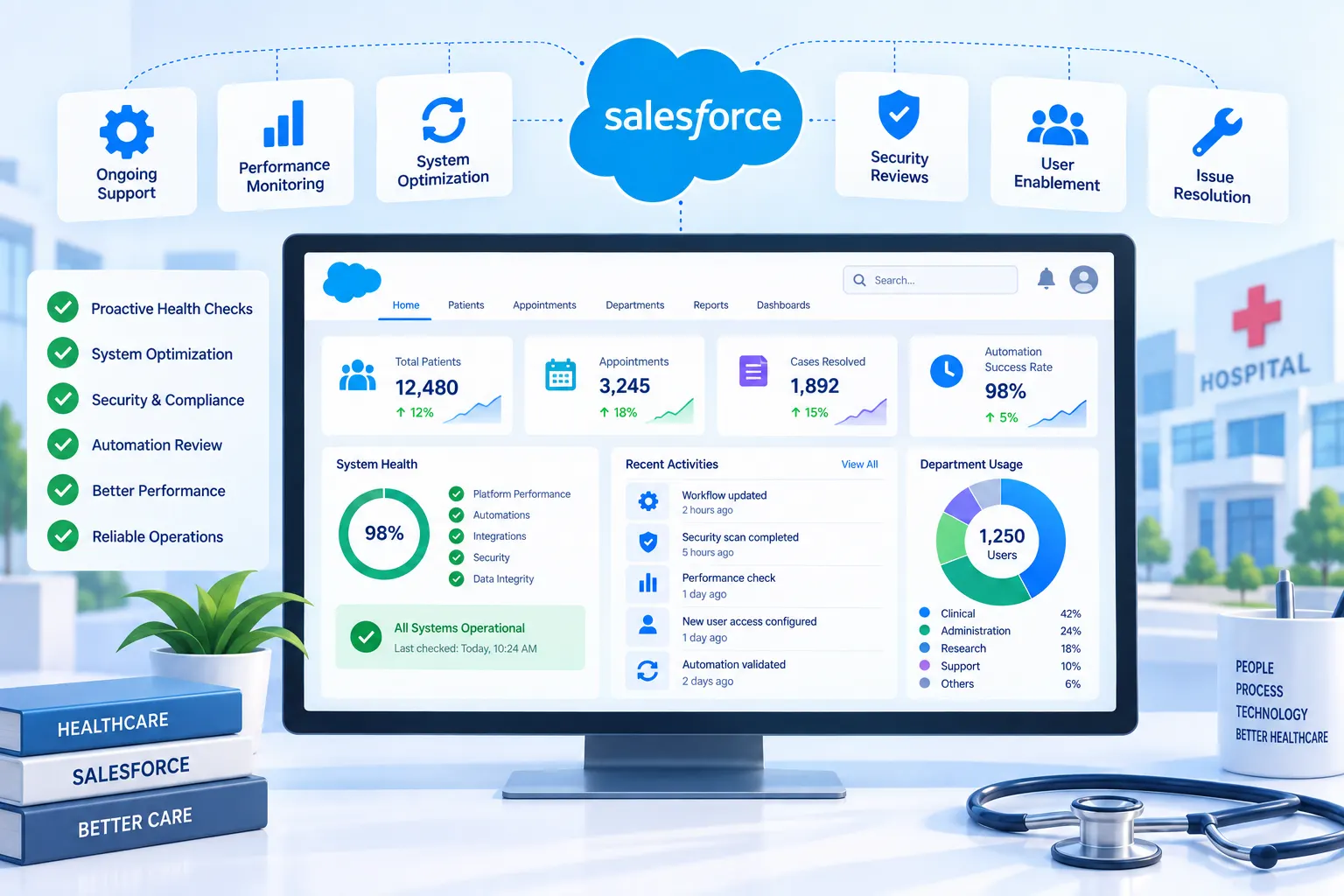
The system worked, mostly, but “mostly” was starting to cause real problems:
They didn’t need a new implementation. They needed someone to actually own the system on an ongoing basis, instead of it running on autopilot until something broke badly enough to force a scramble.
We started with a full health-check across their Salesforce org, going through automation, integrations, and the slowest-running reports to figure out what was genuinely causing the drag versus what just felt slow because everyone had normalized it over time.
A good chunk of the early work turned out to be more archaeology than engineering. Some of the old automation referenced fields that had been deprecated years back and were quietly failing in the background without throwing an error anyone would notice. We had to trace each one back to understand what it was originally meant to do before deciding whether to fix it, replace it, or just retire it.
From there, our ongoing work included:
One thing that came up early and mattered more than we expected: documentation, or the lack of it. A lot of the original Salesforce automation had none, so every fix took longer than it should have just to understand what we were actually looking at. Part of our ongoing work now includes documenting things properly as we touch them, so whoever works on this system next- us or someone in-house down the line isn’t starting from zero.
Report load times on the most-used dashboards dropped, and staff stopped needing to wait around for data that used to take noticeably longer to pull. The dormant automation issues we found had been quietly causing a small but real number of missed patient follow-ups, which stopped once the underlying logic was corrected. The security review closed a handful of permission gaps around patient data access that had gone unnoticed for a while. Just as importantly, the hospital now has someone actively watching the system, instead of finding out something’s wrong only after it’s already caused a problem.
A portion of the original automation is still being documented and reviewed gradually — there turned out to be more of it than initially expected, so rather than rushing through it, the team is working through it a module at a time.
Frontend: ReactJs
Backend: NodeJs
Mobile: Flutter
Database: MongoDB & Redis
Cloud/Hosting: AWS
Other Tools/Integrations: Flolive